 KeyHoleStore
Motion tools
 MotesImage or video to 3D point cloud
 StippleAnimated halftone and dither
 ScrapPaper cut-out animation
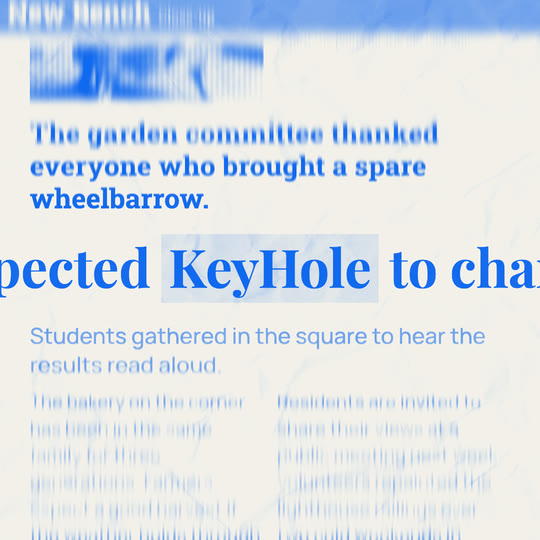 VerbatimText match cut
 AtlasAnimated country map
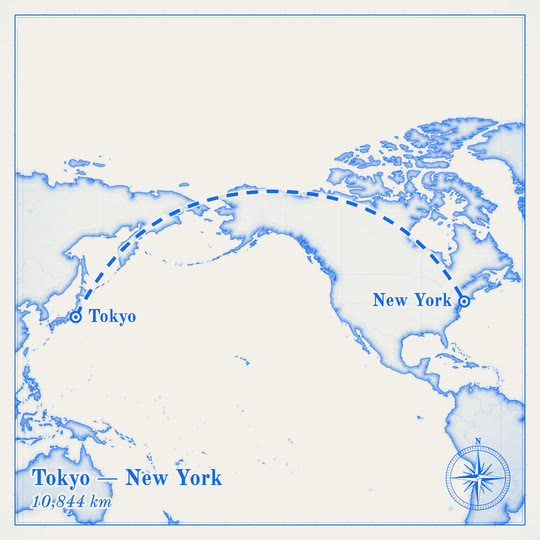 WaypointFlight route on a map
 LoupeMagnifying glass over text
 ChorusComment match cut
What each tool does
- Motes
Turn a picture or clip into a cloud of flying points. Set the look and the camera, then download the video.
- Stipple
Turn a picture or clip into moving print dots or crisp dithered pixels, then download an MP4 or a transparent MOV.
- Scrap
Turn a picture or clip into a torn paper cut-out that folds, drops and trembles like stop motion, then download the video.
- Verbatim
Your word stays locked in place while page after page flips behind it. Type it, choose the blur, download the video.
- Atlas
Pick a country and watch it drawn on old paper or a clean modern map, with its name and your places. Download the video.
- Waypoint
A line flies between your places along the true great-circle route, on a paper or modern map. Type a city, add stops, download the video.
- Loupe
A glass lens glides across your words and bends them with real refraction, on old paper or a clean modern page. Type, press play, download.
- Chorus
One word holds still while the comment around it cuts from person to person. Or whole comments, one after another.
Coming from another tool? See how we compare with Paper Animator.